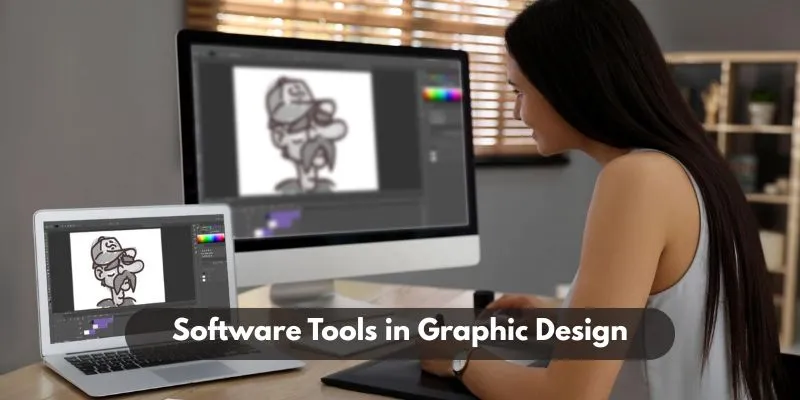

Starting a journey in graphic design is exciting but can feel a little overwhelming at first. With so many tools available, beginners often wonder which software will give them the easiest learning curve without compromising on creative potential. Whether you’re planning to create social media posts, business cards, brand identities, or digital illustrations, choosing beginner-friendly tools makes a big difference. Many students who enrol in a Graphic Design Courses in Chennai begin their creative path by learning hands-on with accessible and industry-approved software. This blog explores some of the best graphic design software for beginners tools that are not just easy to use but powerful enough to help you build real-world projects.
1. Canva – Best for Quick and Easy Designs
If you’re new to design, Canva is one of the most intuitive platforms to get started. With its drag-and-drop interface, ready-to-use templates, and a massive library of elements, Canva allows you to create professional-looking graphics without needing advanced technical skills.
Canva is perfect for:
- Social media graphics
- Posters and flyers
- Business cards
- Presentations
It’s web-based, which means you don’t have to download anything. There’s also a free version that gives access to most features, and a Pro version that unlocks additional templates, brand kits, and advanced design tools.
Also Check: What is Graphic Design in Digital Media?
2. Adobe Photoshop – Best for Photo Editing and Detailed Design
It is the most well-known design software on the planet. While it has a learning curve, it’s still a powerful tool that beginners can gradually grow into. Photoshop allows you to manipulate images, create digital paintings, remove backgrounds, and build complex compositions.
Why choose Photoshop?
- Great for editing and retouching photos
- Extensive brushes and effects
- Layer-based editing system
- Ideal for professional-quality projects
Many training institutes introduce Photoshop early in their courses, starting with simple projects like banners or retouching before moving to complex composites.
3. Adobe Illustrator – Best for Vector Graphics
If you want to design logos, icons, or scalable illustrations, Adobe Illustrator is the gold standard. Unlike Photoshop, which is pixel-based, Illustrator works with vectors making your designs crisp and scalable at any size.
Beginners may find Illustrator intimidating at first, but guided practice makes it manageable. A good curriculum at a FITA Academy often includes Illustrator lessons focused on building simple shapes, using the pen tool, and designing basic logos or layouts.
Best uses:
- Logo design
- Infographics
- Custom typography
- Illustrations
Illustrator helps you understand how professional brand elements are crafted, which is crucial for those aspiring to work in branding and identity design.
4. Figma – Best for UI UX and Web Layouts
Figma is a cloud-based tool that’s becoming a favorite among UI/UX designers. It’s simple, collaborative, and efficient, which makes it ideal for beginners who are also interested in web and app design.
Why Figma is great for beginners:
- Real-time collaboration with other designers
- Easy to prototype websites and apps
- Minimal setup required
- Free for individual use
It’s also used by major companies for product design, so learning it early on is a smart career move. Many UI UX Designer Course in Chennai now include Figma in their curriculum to introduce students to modern digital interface design.
5. Inkscape – A Free Alternative for Vector Design
For beginners who don’t want to invest in Adobe Illustrator right away, Inkscape is an excellent alternative. It’s open-source and completely free, offering tools for vector graphic design similar to Illustrator.
Features include:
- SVG file editing
- Node editing
- Path operations
- Text manipulation
While the interface may not be as polished as Illustrator’s, Inkscape is still a strong choice for those who want to learn the basics of vector illustration without a subscription.
Also Check: Best Free Tools for Graphic Designers
6. GIMP – A Free Alternative for Image Editing
Similar to how Inkscape is a free alternative to Illustrator, GIMP (GNU Image Manipulation Program) is a solid substitute for Photoshop. It’s especially useful for students who are just getting started and want to learn editing techniques on a budget.
GIMP is best used for:
- Photo retouching
- Image composition
- Basic graphic design
- Resizing and cropping
Many graphic design instructors include GIMP in introductory sessions before moving on to Photoshop, especially when teaching students who need open-source solutions.
7. Gravit Designer – A Versatile Cross-Platform Tool
Gravit Designer is another easy-to-use tool for beginners. It runs on web browsers and supports a variety of file types. The interface is modern and clean, which helps reduce learning time.
Key features:
- Vector tools similar to Illustrator
- Templates for marketing materials
- Cross-platform compatibility (Windows, Mac, Linux, Web)
It’s ideal for quick layouts and vector work, and many beginners find it less overwhelming than Adobe products.
Choosing your first design tool depends on what you want to create. If your focus is social media content, Canva might be all you need to start. If you’re more inclined towards illustration or branding, Illustrator or Figma are great picks. If you’re aiming for photo-based designs, Photoshop is the go-to tool. The most important thing is to start practising. Tools are only as useful as the person using them. Every project you create, no matter how small, builds your skills and your portfolio. By enrolling in a structured Artificial Intelligence Course in Chennai, you can gain step-by-step guidance, access to expert feedback, and hands-on exposure to the software that today’s AI and design industry demands. The right course can dramatically speed up your learning curve and help you understand how professionals use these tools daily.